
Below you will find real screenshots of Bistone HMS, illustrating its key modules and workflows. Click any image to enlarge.
Room/Bed Search Center
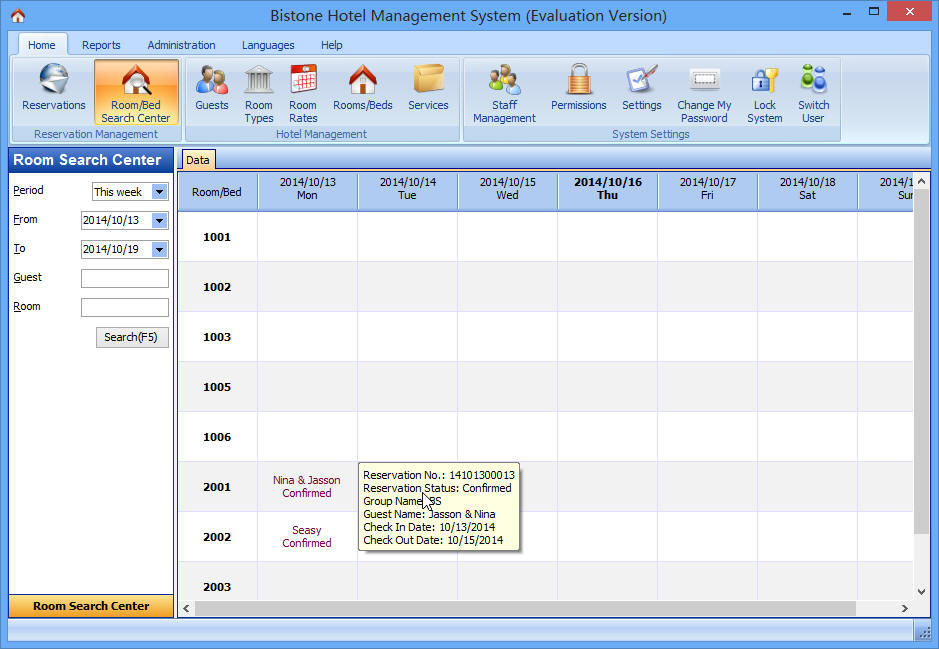
Quickly locate available rooms or beds based on guest requirements and occupancy status.
Reservations Section
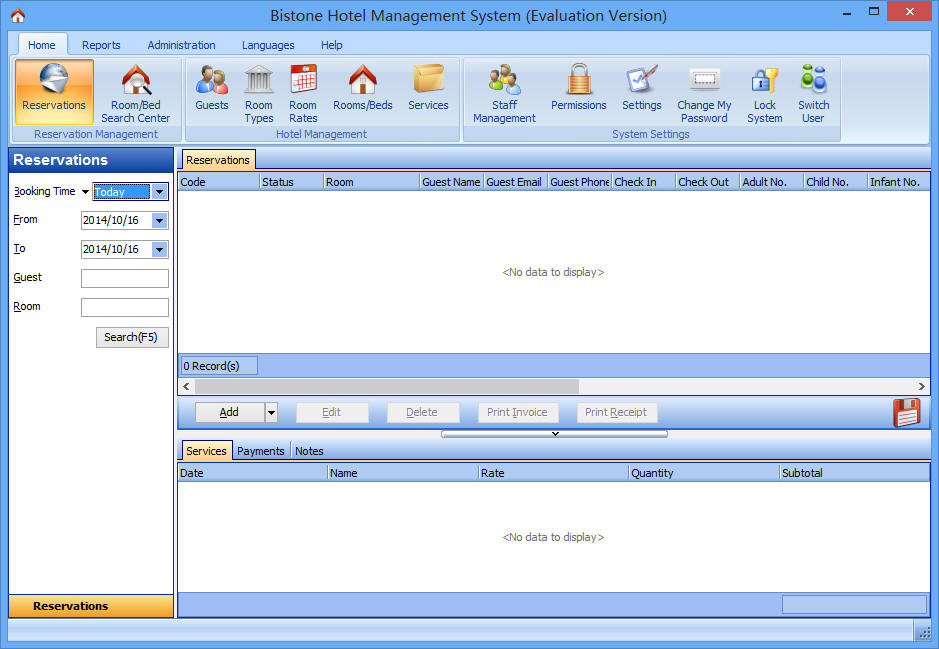
View all reservations in a sortable table with filters by date, guest name, room, and status.
Reservation Details Form
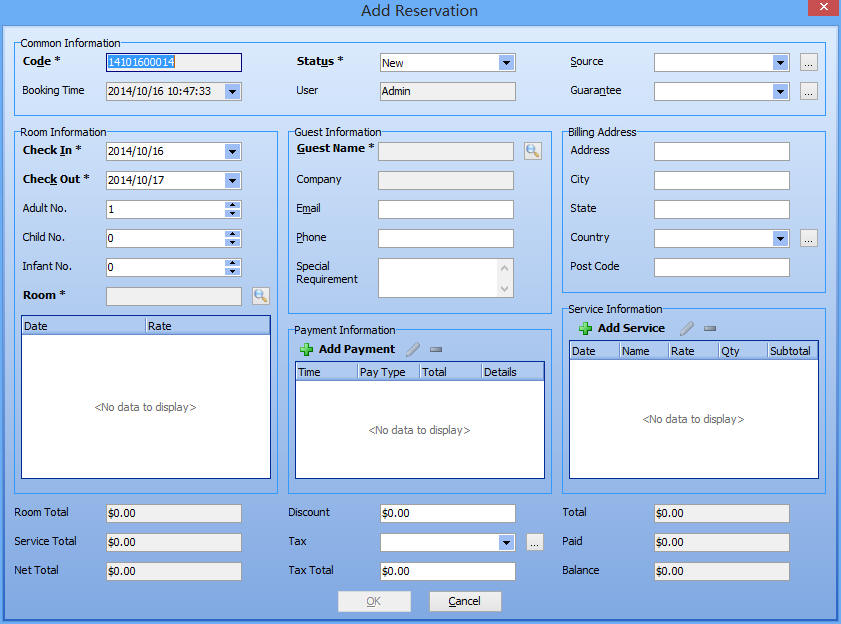
Complete guest profile, room selection, stay dates, and add-on services in one intuitive form.
Invoice Format
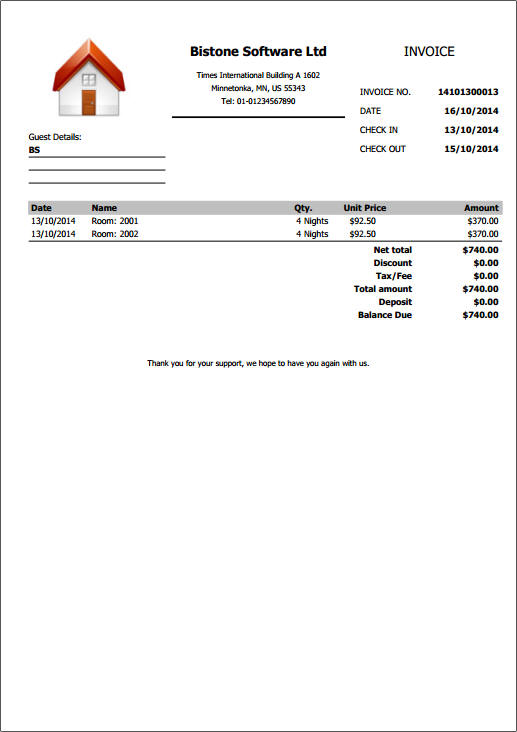
Generate clear, itemized invoices for guest checkout, including taxes, discounts, and payment methods.
Group Reservation Form
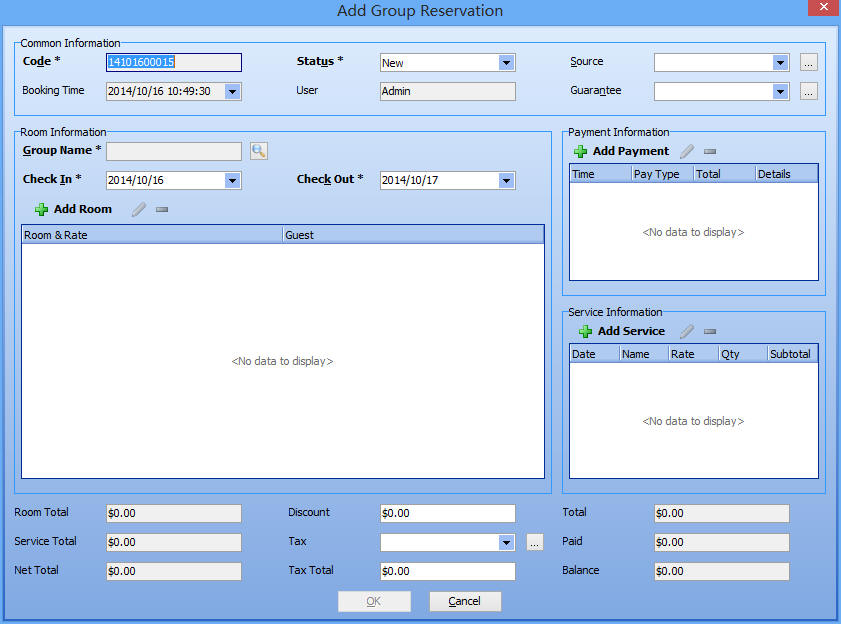
Easily manage group bookings for tour operators, corporate events, or family reunions.
Guests Management
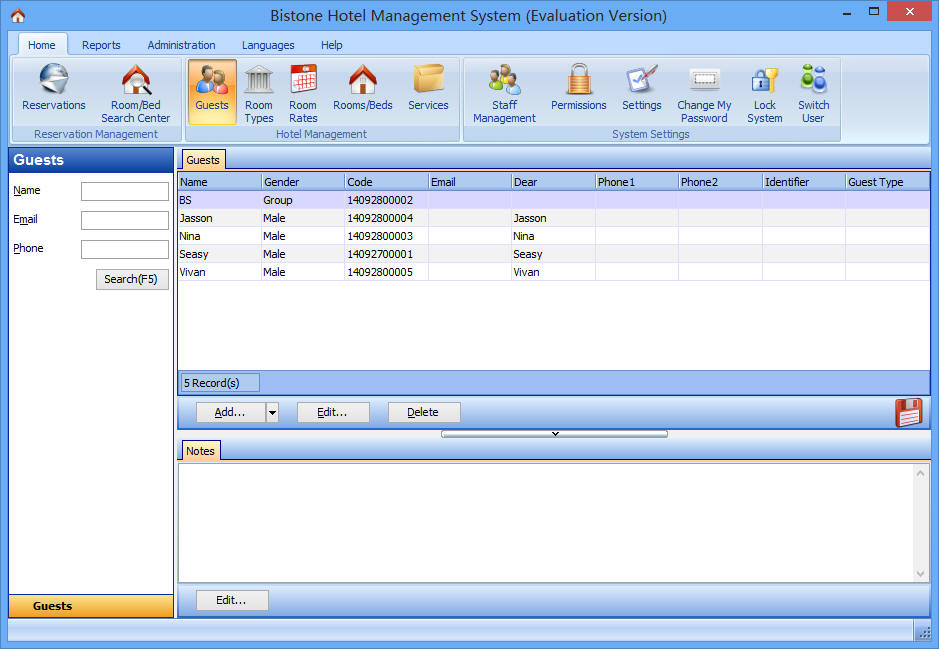
Maintain a complete guest with contact details and special requests for personalized service.
Room Types Section
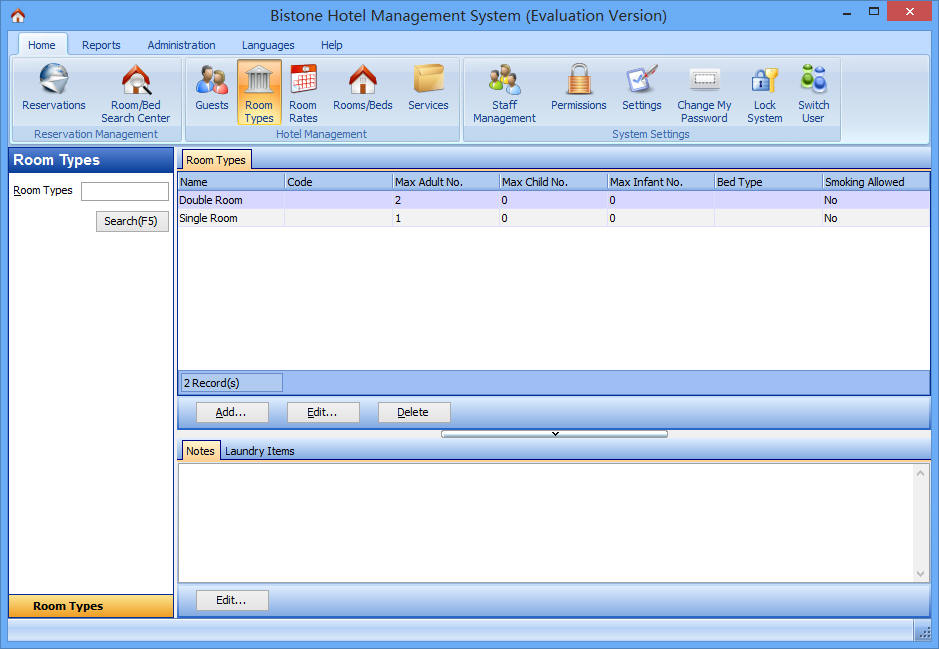
Configure room categories (e.g., Single, Double, Suite) with unique features.
Room Rates Configuration
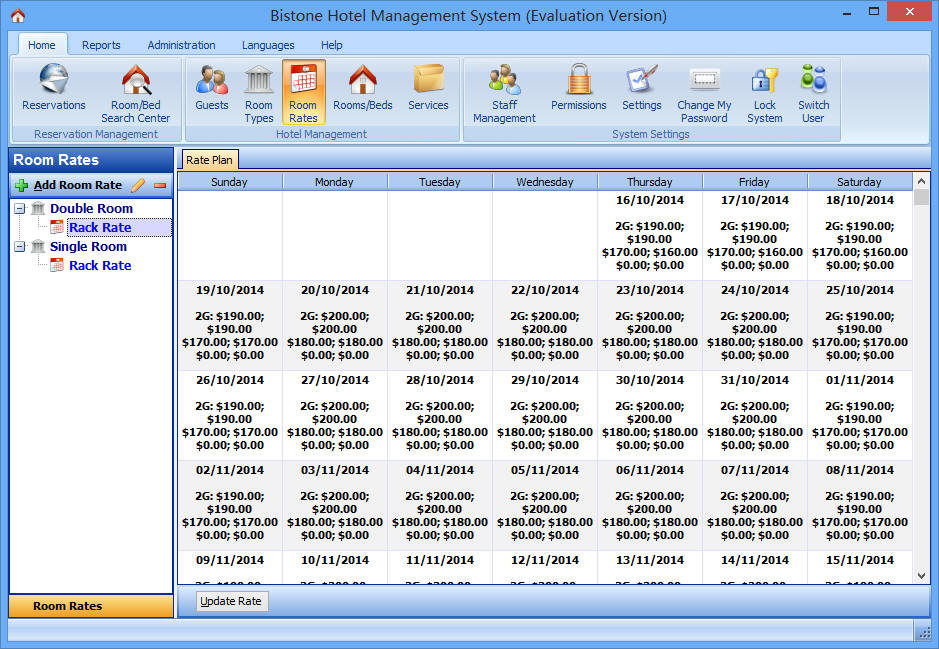
Define flexible rate plans including standard, promotional, and dynamic pricing for any period.
Rooms Section
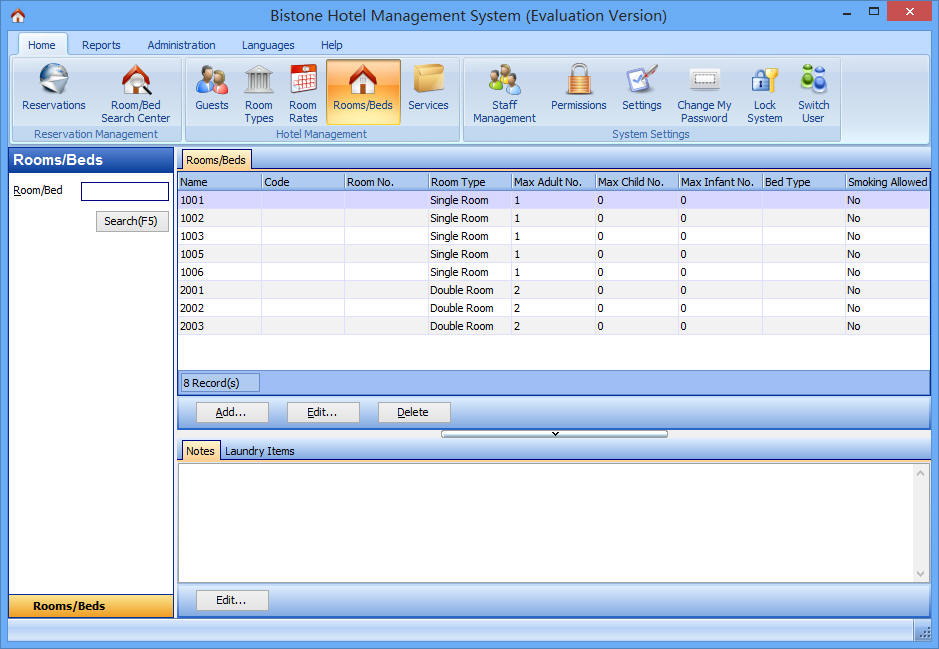
Track each room's availability, cleanliness status, and maintenance schedule in real time.
Services & Amenities
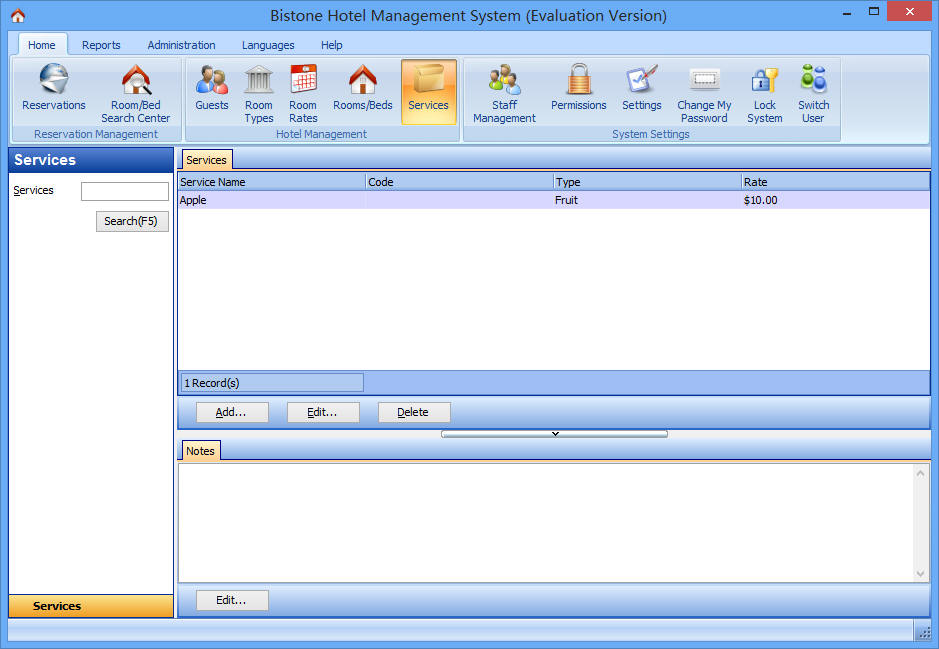
Create and price additional services that can be charged to guest folios during their stay.
Staff Management
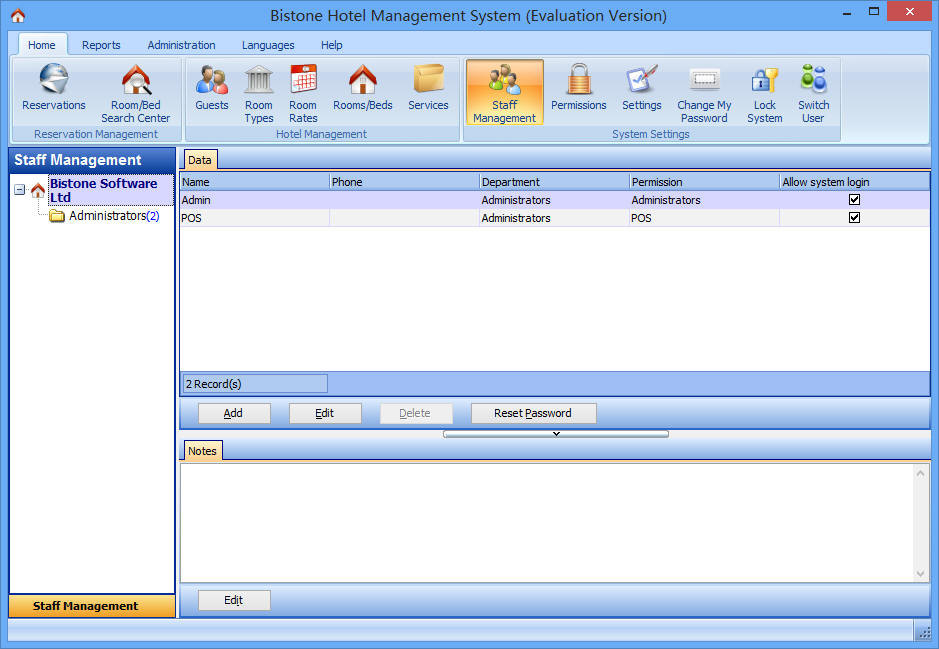
Set up employee accounts with role-based access to system functions.
Permissions & Access Control
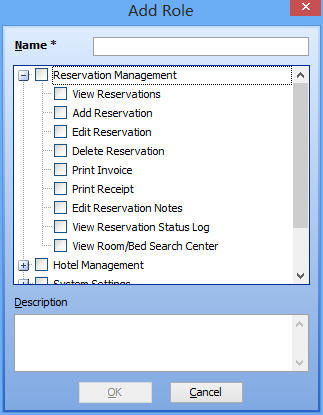
Define exactly what each staff member can see and do - from reservation management to accounting reports.